Different requests place different loads on a server. Reading a blog post can be simple. Searching a large shop, saving a page or calculating a cart total can take more work.
The CPU runs the code used to build a page. Its performance matters most when that work is the main cause of a delay.
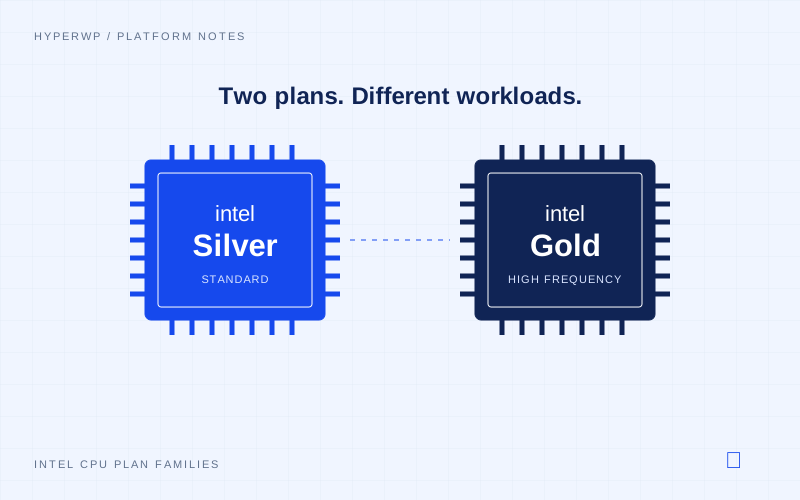
At HyperWP, our standard plans use Intel Silver CPUs. Our high-frequency plans use Intel Gold CPUs. Both run on our HP-based servers.
What the CPU actually does
WordPress uses code to build pages. It may need to load a theme, run plugins and fetch data before it has a reply to send.
The CPU works through that code. When a task is held up by CPU work, a faster core can help it finish sooner. That can matter when PHP must generate a page instead of serving a cached copy.
This also affects work in the dashboard. Saving posts and loading the editor require PHP processing, even when public pages are served from cache.
Where higher clock speeds can help
Clock speed is one part of how fast a CPU works. It is not the whole picture. The chip’s design, the task and the resources in the plan matter as well. Intel explains the role of clock speed.
We use Gold CPUs for high-frequency workloads. The effect of higher clock speeds depends on how much time a request spends running code. Cached pages may show little change.
Serving a cached page can bypass much of the PHP and database processing. In that case, changing the CPU may barely change what a reader sees. Serving a cached result avoids much of the page-building work.
The useful question is what your site does
A small blog and a busy shop can place very different loads on a host. Even one site can mix cached pages with requests that need much more work.
Extra CPU speed helps most when CPU work is the cause of the wait. It cannot make a slow service on another site reply sooner. Nor does it fix code that asks for far more data than it needs.
CPU selection should reflect how much time the site spends executing code and where its requests spend time.
The most useful CPU upgrade is one that addresses a measured limit in the workload.